


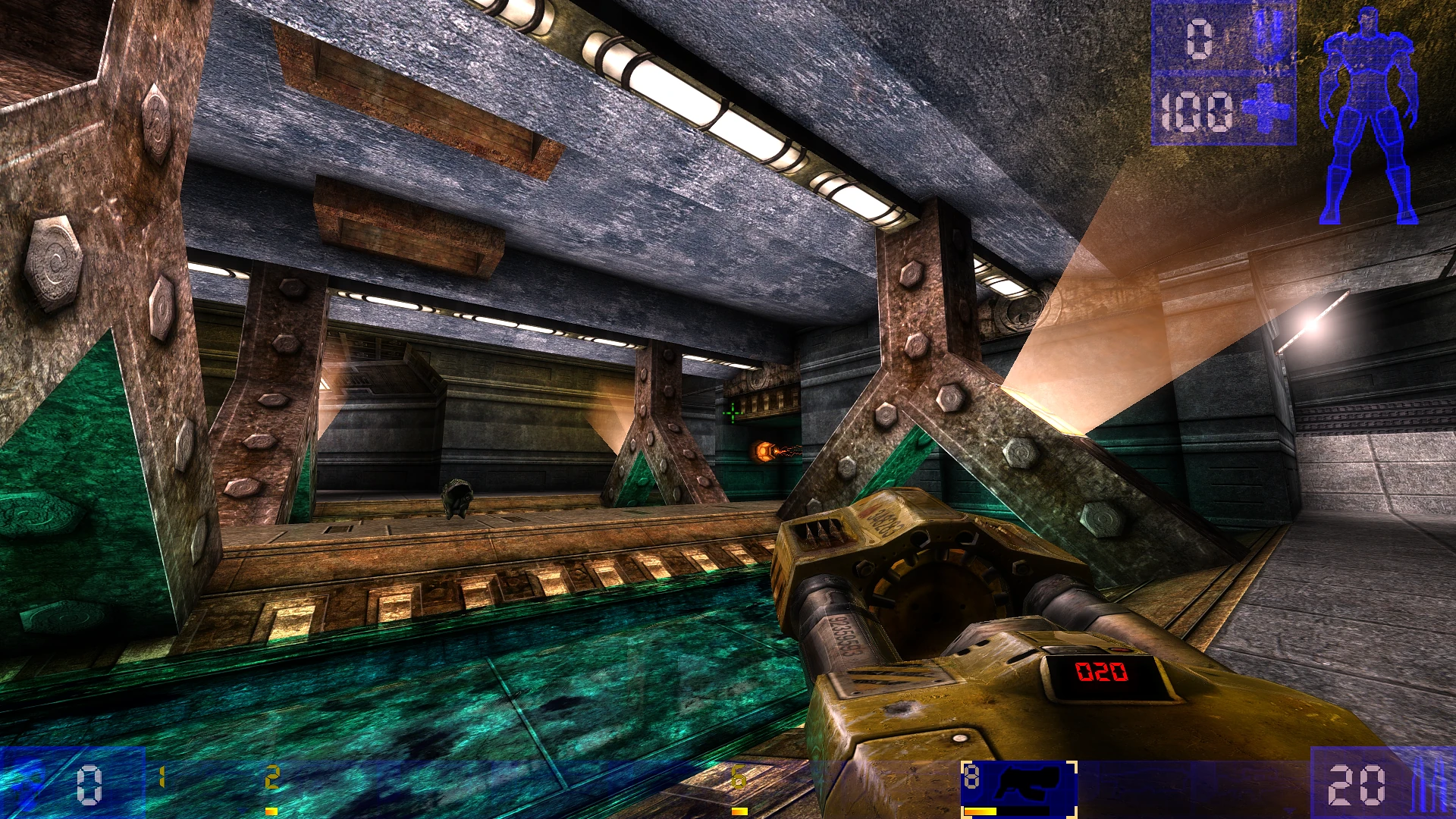

Unreal Tournament 99
Premium Hosting, Zero Compromise.The absolute classic, running perfectly.
AI Infrastructure Assistant
Click a recommendation or describe your server specs below:Try these:
Server Specifications
Define your server resources
4 / 32 Slots
Location Europe
EuropeSpecs 4 Slots
30 Days Subscription
7 Days Subscription
Min €2.00
30 Days Subscription
90 Days Subscription
-10%
365 Days Subscription
-19%
Europe ms
Europems
 USA (Central)
ms
 United Kingdom
 OFFLINE
 Singapore
 OFFLINE
USA (East) OFFLINE
USA (West) OFFLINE
 Australia
 OFFLINE
 Japan
Japan OFFLINE
 India
India OFFLINE
€3.59
Running Total €3.59
Deploy NowUnsure which specs to choose?Test your Unreal Tournament 99 server for free. Zero risk.
Price Lock GuaranteeNo hidden renewal markups
£0 Setup FeeLightning-fast instant provisioning
The Geeky Bit
Fast, reliable game server hosting
High-performance hardware, instant setup, and 24/7 expert support.
The Geeky Bit
SECURE NODE HOST: RAY_7900CPU SpeedRyzen 9 7900
Your Experience5.4 GHz Turbo
The Other Lot: 3.6 GHz+44% SPEED BURST
Memory GenerationDDR5 RAM
Your ExperienceDDR5 High Speed
The Other Lot: DDR4 Legacy2x BANDWIDTH CAPACITY
Storage techGen4 NVMe M.2
Your ExperienceGen4 Speeds
The Other Lot: SATA SSD14x READ ACCELERATION
// Built-In Perks & Armor
Ryzen 9 cores delivering locked tickrate for pure lightning gun and rocket arena combat
PCIe 4.0 NVMe SSD storage for instant UMX music, texture, and map streaming
Custom mutator and map pack management via SFTP and web file manager
Driver-level eBPF/XDP DDoS protection for vintage deathmatch communities
Full SFTP file access and web file manager with automated daily backups
Premium Hosting
Why Choose Ray Hosting for your Unreal Tournament 99 Server?
AMD Ryzen 9 hardware, worldwide low-latency network, and robust DDoS protection – we handle the backend, you focus on gameplay.
Yes, Ray Hosting proudly offers dedicated server hosting for the classic Unreal Tournament (UT99). Experience the legendary arena shooter on our AMD Ryzen™ 9 7900 processors, delivering modern server hardware for extreme tick rates and zero lag.
You can install classic mods like Monster Hunt, Instagib, or Strangelove by uploading the mod files to your server via our unrestricted SFTP access. Editing the `UnrealTournament.ini` file in our web file manager allows you to easily activate these custom game types.
Yes, Ray Hosting supports redirect servers (FastDL) for UT99. Our RAID-1 Gen4 NVMe arrays with read speeds up to 7,000 MB/s+ ensure players can download your custom maps, textures, and sounds instantly instead of relying on the slow built-in downloader.
Yes, the classic UT99 WebAdmin tool is available and accessible through your browser. Paired with Ray Hosting's 99.9% uptime guarantee, you have a reliable way to manage your server, change maps, and configure rules on the fly.
Ensure you have forwarded UDP ports 7777 and 7778. Also, because original master servers are offline, update your `UnrealTournament.ini` with modern community master server addresses via Ray Hosting's syntax-highlighted web file explorer.
In your `UnrealTournament.ini`, navigate to the `[UWeb.WebServer]` section and set `bEnabled=True`. This allows you to log in via a web browser to change maps and manage players remotely, while our multi-Tbps DDoS protection keeps your server safe.
While Linux Game Server Managers (LinuxGSM) is a great manual method, Ray Hosting simplifies the process entirely. Our automated container orchestration instantly provisions bare-metal UT99 servers within 10-30 seconds—no manual Linux command-line setup required.
You need to configure the `MapList` within your `UnrealTournament.ini` file and ensure that the 'Auto Change Levels' setting is enabled. If you ever make a mistake editing configurations, Ray Hosting's automated off-site backups allow for instant 1-click rollbacks.


